DocView Free
Open Excel and PDF files in seconds — no Office, no Adobe.
Lightweight, fast and free.
Everything you need to read a file
DocView Free does one thing well: it opens the files people send you, fast.
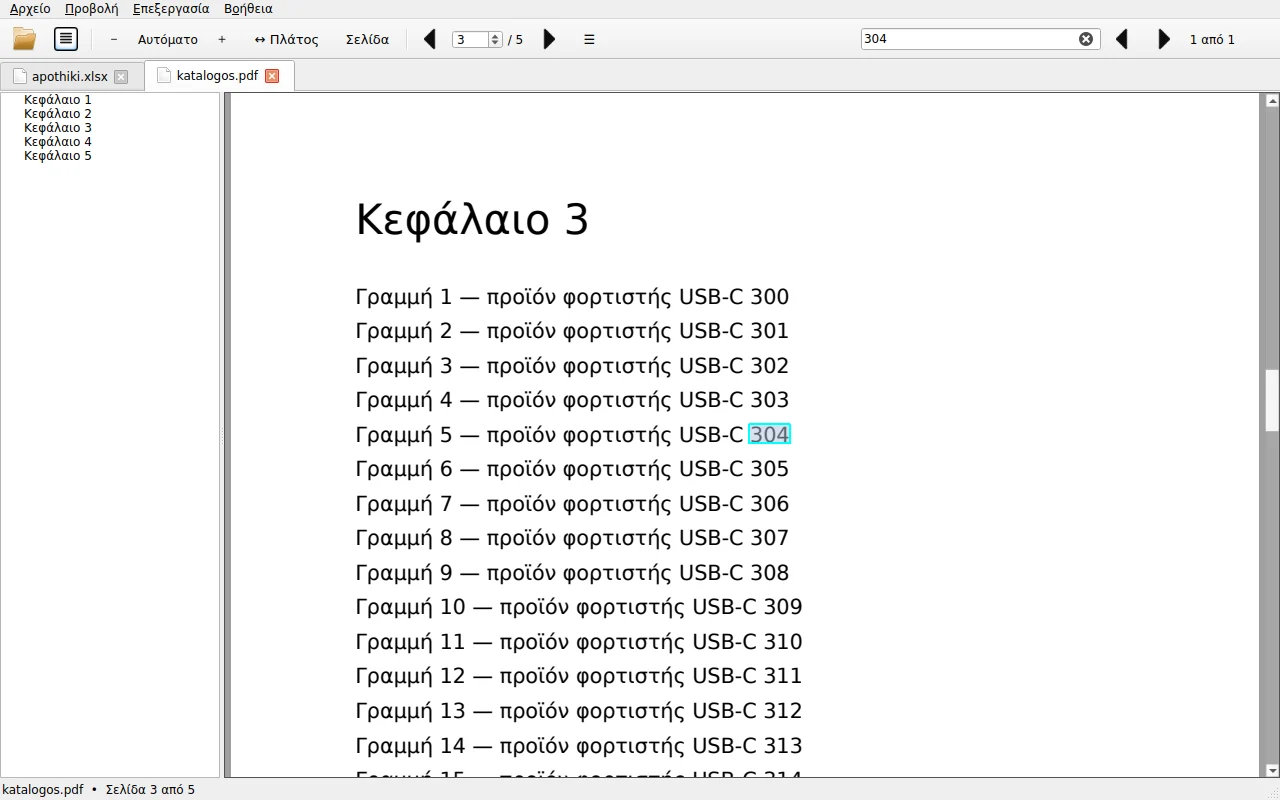
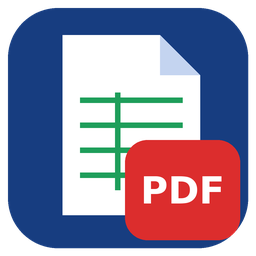
Excel without Office
xlsx, xlsm, xls and csv with every sheet, colours, merged cells and proper number formats.
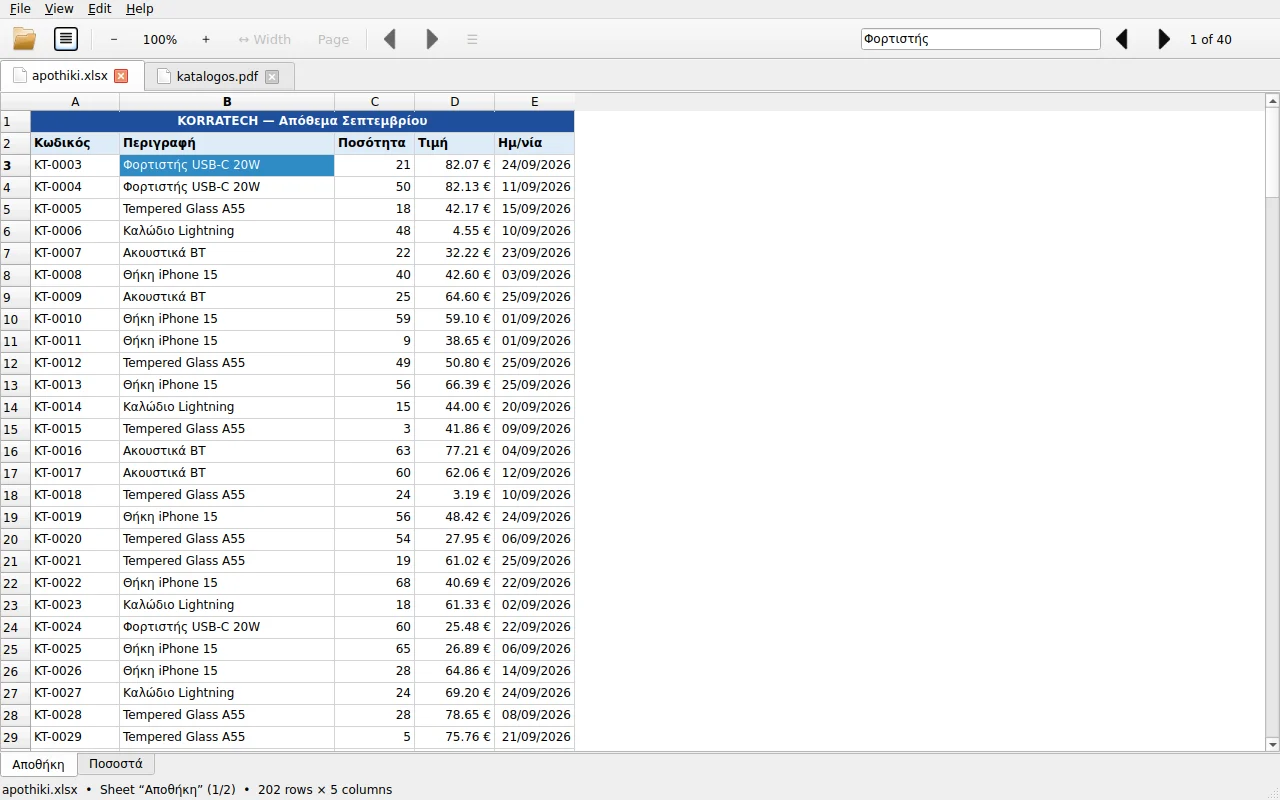
PDF with search
Zoom, fit to width, bookmarks, text search and password-protected PDFs.
Tabs
Many files side by side in one window. Drag and drop to open.
Search everywhere
Find text across every sheet of a workbook or every page of a PDF.
Printing
Print selected PDF pages or a whole Excel sheet.
Greek & English
Opens in your Windows language; switch with one click.
Screenshots
Download DocView Free
Free for personal and business use. No ads, no sign-up.
If Windows shows “Windows protected your PC”, click More info → Run anyway.
FAQ
Is it really free?
Yes. Free for home and business use, with no time limit, ads or subscription.
Why does Windows show a security warning?
SmartScreen warns about new programs that don't have many downloads yet. Click More info → Run anyway.
If your PC only allows Store apps: Settings → Apps → Advanced app settings → “Choose where to get apps” → Anywhere.
Can I edit files?
No — DocView Free is a viewer. You can copy cells (Ctrl+C) and PDF page text.
How do I make it the default PDF app?
Right-click a PDF → Open with → Choose another app → DocView Free → Always.
How do I uninstall it?
Settings → Apps → Installed apps → DocView Free → Uninstall.
Release notes
- First public release
- Excel (xlsx, xlsm, xls, csv) and PDF
- Greek and English